Is there a YouTube Playables app?
Not in the App Store, not on Google Play — Playables runs inside YouTube itself. Here is how to open it anywhere, and an installable app-store-style catalog if you want a real app experience.
There is no official YouTube Playables app
Playables lives inside YouTube: the regular YouTube app on your phone and youtube.com in a browser. There is nothing separate to download or install, and any «Playables app» in an app store is not from YouTube. Open the Explore → Playables section in the app, or go straight to youtube.com/playables.
Want an app store for Playables? Install TubeGames
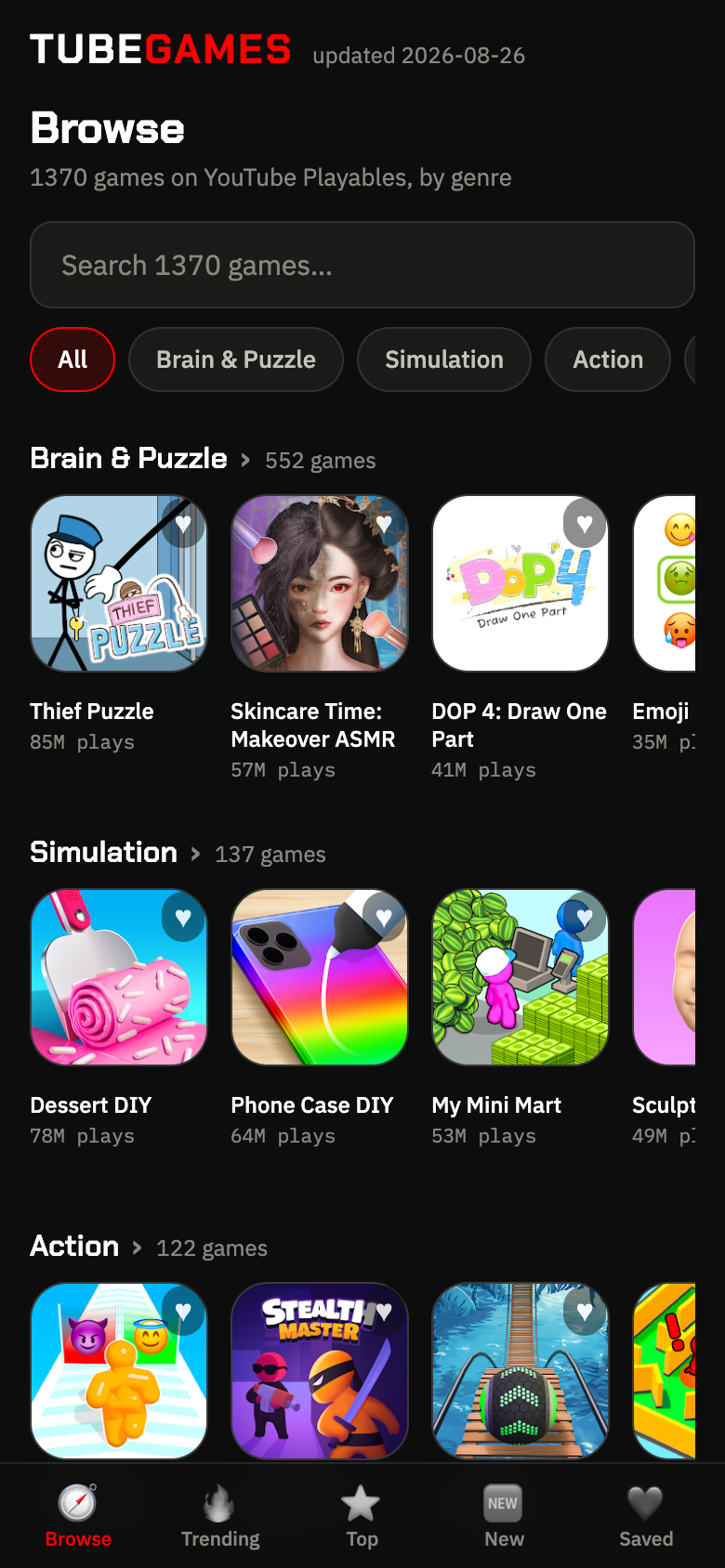
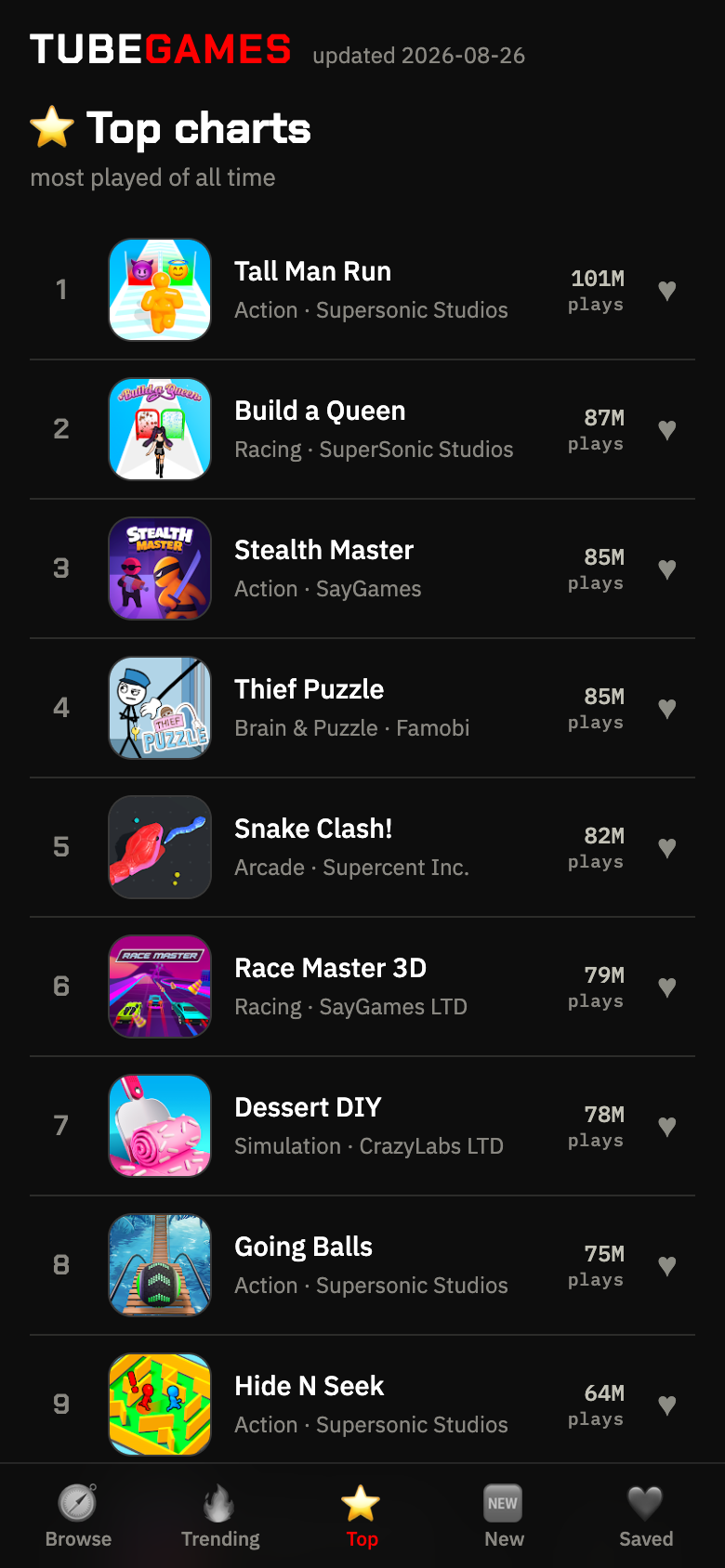
TubeGames is a free web app — an app-store-style catalog of every Playable: all 1,780 games with search (YouTube has none), charts by real play counts and one-tap play links. Add it to your home screen — it opens like a regular app, works offline for browsing, installs in a few seconds, and needs no App Store or Google Play.
On Android (Chrome): tap ⋮ menu → Add to Home screen. On iPhone (Safari): tap Share → Add to Home Screen.
How to open Playables without any app
- In the YouTube app: Explore → Playables (needs a recent app version and a supported country).
- In any browser: youtube.com/playables.
- From TubeGames: every game page has a direct play link that launches the game right inside YouTube — these work even signed-out.
- 1
Tap the ⋯ buttonbottom of the screen, next to the address bar. See «Add to Home Screen» right in this menu? Tap it and jump to step 5
- 2
Tap Sharethe square with the arrow up. (Older Safari has this square right in the bottom bar — then start here)
- 3
Swipe the menu upthe share sheet opens half-way — pull it up to see the full list of actions
- 4
Tap Add to Home Screenin that list. Not there? Scroll the list a bit lower
- 5
Tap Add — top rightdone: TubeGames is on your home screen and opens like a real app
Using Chrome on iPhone? Tap Share in the address bar, then steps 3–5 are the same.
FAQ
- Is there a YouTube Playables app to download?
- No. Playables is a section inside the regular YouTube app and youtube.com — there is no separate official app, and nothing to download: games launch instantly in YouTube.
- Is YouTube Playables on the App Store or Google Play?
- No — you won't find a Playables app in the App Store or on Google Play, because it isn't a downloadable app: the games live inside YouTube itself. Anything named «Playables» in an app store is not from YouTube. If you want a home-screen icon, install the TubeGames catalog from this page — it works like an app store for Playables, with no store and no download.
- How do I get Playables on my phone?
- Update the YouTube app and open Explore → Playables, or open youtube.com/playables in the browser. Full device guide: How to play.
- What is the TubeGames app?
- A free installable web app (PWA) with the full Playables catalog: search, charts by real play counts and direct play links. Install it from this page — no app store needed.
- Do I need YouTube Premium for Playables?
- No. Playables has been free for all YouTube users since May 2024; games are supported by ads.